
Last updated: August 13, 2026
Form analysis is the practice of evaluating how a form performs and what happens after each submission. A useful analysis does not stop at “we received 312 responses.” It connects acquisition, completion, response content, operational status, response time, and the next decision.
A form is working only when the collection experience and the post-submit operation both support the intended outcome.
That definition applies to contact forms, booking requests, applications, event registration, lead capture, and surveys. Each use case emphasizes different metrics, but the underlying method is the same: define the decision first, choose the smallest set of evidence that supports it, and keep raw counts separate from operational conclusions.
The Seven Axes of Practical Form Analysis
Start with seven axes rather than a giant dashboard.
| Axis | Core question | Example measure |
|---|---|---|
| Volume | How much arrived? | Submissions by day or week |
| Completion | Where did people stop? | Starts, completions, drop-off |
| Source | Which route produced the response? | Campaign, referrer, form variant |
| Content | What did people ask or say? | Category, score, free-text theme |
| Status | What is happening now? | New, assigned, waiting, done, excluded |
| Response time | How quickly did the team act? | First response and resolution time |
| Outcome | What happened after handling? | Booked, qualified, resolved, declined |
Do not merge these into a single “conversion” number. A completed form is a submission event. A booked meeting, accepted applicant, resolved request, or paid order is a downstream outcome. If the systems do not share a stable identifier, you can report both counts but cannot claim one-to-one confirmed attribution.
Form Analysis Is Broader Than Survey Analysis
Survey analysis is one branch of form analysis. It commonly focuses on distributions, cross-tabs, ratings, open-ended themes, and sample limitations. Operational forms add deadlines, owners, and response states.
| Form | Primary analysis question | Operational risk |
|---|---|---|
| Contact | What is the inquiry about and who should respond? | Missed or misrouted requests |
| Booking | Which requests need confirmation or changes? | Time-sensitive work |
| Application | Which required information is incomplete? | Inconsistent review |
| Event | What affects attendance and event delivery? | Late changes and unanswered questions |
| Survey | What patterns appear in scores and comments? | Overgeneralizing from weak evidence |
Use Survey Analysis AI for a survey-specific workflow. This guide stays with the shared analytical structure.
Define the Decision Before Selecting a Metric
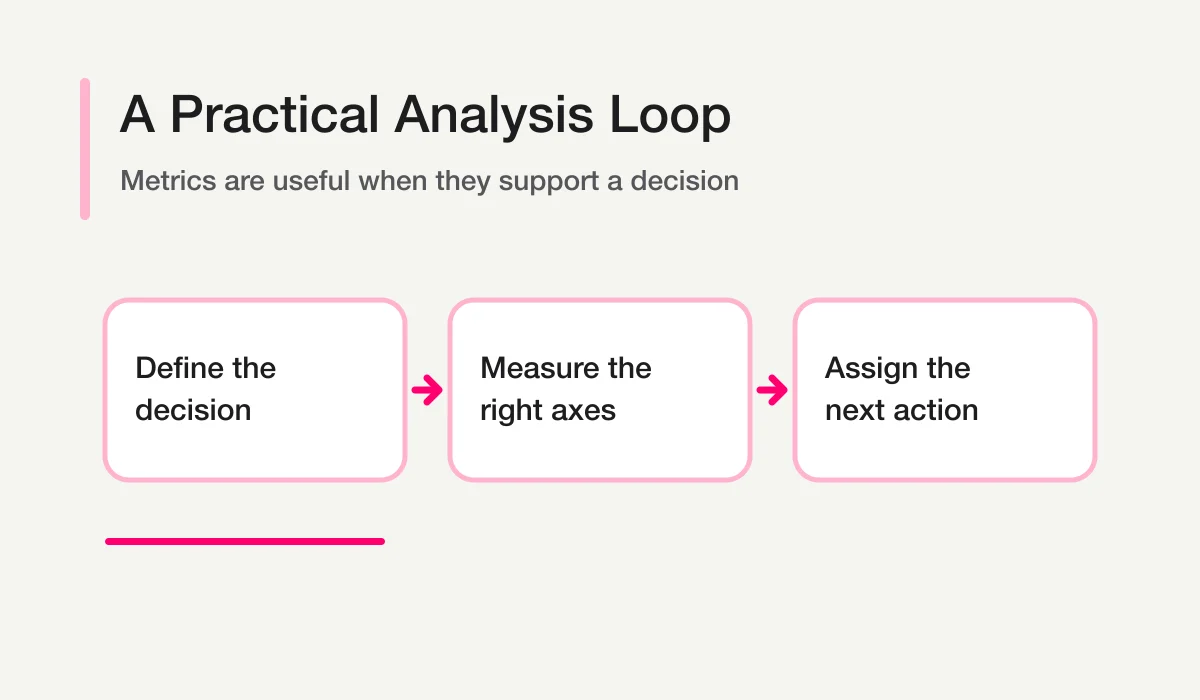
Metrics are useful only when they answer a decision.
Decision: Do we need to change the form?
Evidence: completion rate, field-level drop-off, repeated questions, error patterns

Decision: Is the inquiry operation healthy?
Evidence: new count, unassigned count, overdue count, first-response time

Decision: Which campaign produced valuable requests?
Evidence: tagged source plus a confirmed downstream outcome

Decision: What should the product team improve?
Evidence: repeated free-text themes, affected segment, severity, examples
This prevents vanity reporting. More submissions may be positive for an event registration form and negative for a support form if the increase comes from a preventable product issue.
Prepare Analysis-Ready Response Data
Analysis does not require a warehouse. It does require consistent definitions.
response_id
form_id
submitted_at
source
category
score
message
status
owner
first_response_at
resolved_at
outcome
exclusion_reason
Keep raw fields and derived fields separate. The respondent’s selected category is raw input. An AI-suggested category is derived. A person-approved category is an operational decision. If all three are overwritten into one column, you lose the ability to audit why a report changed.
Use one timezone for operational deadlines and state it. Define whether weekends or business hours count. Decide how duplicates, tests, and sales pitches affect totals. A clean chart built on undefined rules is still unreliable.
Analyze Contact Forms Around Handling, Not Just Traffic
For a contact form, a useful weekly view includes:
- legitimate inquiries received;
- apparent sales pitches, tests, and duplicates shown separately;
- new, assigned, in-progress, waiting, done, and excluded counts;
- unassigned and overdue records;
- median first-response time and the distribution around it;
- categories and owner workload;
- repeated questions that suggest missing site content;
- downstream outcomes only when reconciliation is reliable.
A notification count is not a handled count. An automatic reply is not a first human response. A CRM row is not automatically a qualified opportunity. Keep definitions explicit in every report.
For the state model, read Form Response Status Management. For broad inquiry operations and tool selection, read Inquiry Management.
Analyze Time-Sensitive Forms Around Windows and Exceptions
Bookings, event registrations, and applications have temporal constraints. Their analysis should surface what can become impossible to handle later.
| Use case | Time-sensitive field | Exception to surface |
|---|---|---|
| Booking | requested date and confirmation due | request still unconfirmed |
| Event | event date and attendance status | question affecting event delivery |
| Application | closing date and review stage | incomplete required information |
| Resource request | promised follow-up window | high-intent request without an owner |
Totals belong in the report, but exceptions belong at the top of the queue. A form can have excellent volume and still fail its operational purpose because three important submissions were missed.
Separate Dashboard Questions From Chat Questions
Dashboards and AI chat solve different problems.
Use a dashboard for repeated, stable questions:
- How many submissions arrived this week?
- How many are new, assigned, overdue, or done?
- Which owners have open work?
- How is volume changing over time?
Use chat for exploratory questions:
- What new themes appeared this week?
- Why might low ratings be clustered in one segment?
- Which unhandled responses appear most urgent, and why?
- What questions should the team investigate next?
The AI answer should link back to response IDs or aggregate definitions. It should not become a detached second source of truth. See Chat With Form Responses for the conversational workflow and Form Submission Dashboard for the monitoring design.
Use AI for Reading Work, Not Final Authority
AI is helpful for classification, summarization, clustering, candidate generation, and drafting a short report. Human review remains necessary for:
- privacy-sensitive content;
- low-sample or high-impact conclusions;
- assigning responsibility;
- excluding legitimate records;
- sending replies;
- refunds, contracts, hiring, health, legal, or financial decisions;
- claims that connect form activity to revenue or another downstream outcome.
Ask the model to show evidence and limitations.
For every conclusion, provide:
1. the metric or response IDs used;
2. the rule applied;
3. what is uncertain or missing;
4. the next question a person should check.
This instruction produces a more useful analysis than asking for a confident executive summary at the start.
Build the First Report in Four Blocks
The first form-analysis report can fit on one page.
1. Intake
Report submissions by form and period. State exclusions and comparison windows.
2. Operational health
Show new, unassigned, overdue, waiting, and completed work, plus response-time definitions.
3. Content signals
List the largest categories, emerging themes, low ratings, and important exceptions. Keep small samples labeled as signals, not established trends.
4. Decisions
Name no more than three actions, each with an owner role, evidence, and a review date.
Action: Clarify the pricing FAQ.
Evidence: 11 legitimate inquiries asked the same pricing question.
Owner role: Marketing and sales operations.
Review: Compare the next four weeks using the same category rule.
The report becomes useful when someone can act on it and verify whether the action changed the next period.
Common Form-Analysis Mistakes
| Mistake | Consequence | Correction |
|---|---|---|
| Reporting totals without a time window | Comparisons are meaningless | Use explicit dates and timezone |
| Mixing test or sales-pitch entries into demand | Volume is inflated | Label and report exclusions separately |
| Treating auto-reply as handled | Missed human responses disappear | Define first human response |
| Calling correlation attribution | Marketing impact is overstated | Require shared identifiers and reconciliation |
| Letting AI invent missing fields | Operational decisions lose provenance | Preserve unknown and needs_review |
| Building too many charts first | The team stops reading | Begin with decisions and exceptions |
How FORMLOVA Supports the Analysis Loop
FORMLOVA’s MCP tools can retrieve responses, summaries, analytics, and live operational views for an authenticated user. The connected AI client can then reason over the returned data in the user’s session. FORMLOVA also keeps response operations such as search and status management connected to the underlying records.
That design supports a repeatable loop:
- Collect a defined response set.
- Inspect stable metrics.
- Ask an exploratory question.
- Review evidence and uncertainty.
- Update the operational record through an approved action.
- Measure the next period with the same definitions.
For a ready-made reporting route, use the AI Response Report workflow. To design the broader post-submit system, continue to the Form Automation Guide.
Conclusion
Form analysis is not a charting exercise. It is a disciplined connection between collection, content, handling, and outcome. Start with seven axes, define each metric, keep raw and derived data distinct, surface exceptions, and end every report with an accountable decision.
To analyze a real form in the same system that holds its operational state, start with FORMLOVA.
Disclosure and Verification
- FORMLOVA analytics and response-operation claims were checked against the local SPEC and MCP implementation on August 13, 2026.
- Current English market terminology was cross-checked against Typeform’s Results Summary documentation and SurveyMonkey’s official analysis overview.
- No third-party plan, price, or feature availability is required for the method in this guide.